Workspace and layouts
Multi-panel layouts, splitters, fullscreen, and saved layout profiles.
Screenshot:
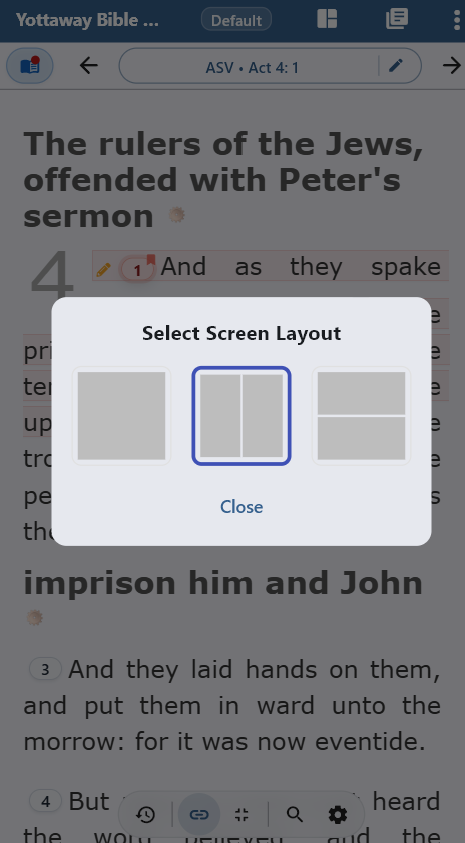
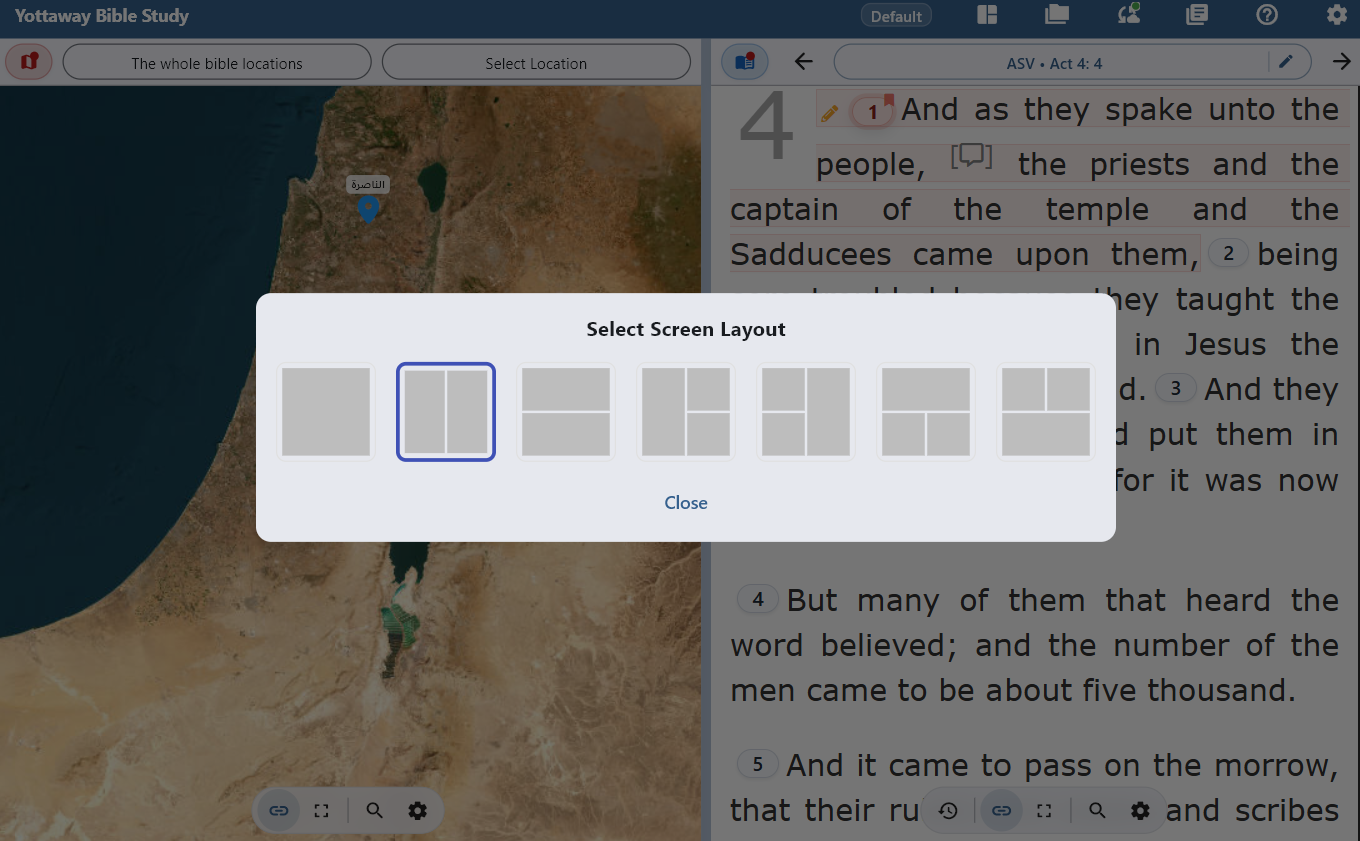
Phone and narrow screens (about 600px or less)
The app only offers one-panel or two-panel layouts when the shortest dimension is small—three-panel presets are not available, so you are not left with unusably thin columns.
- Splitters and “maximize panel” still work where the layout allows two panels.
- Double-tap gestures (where enabled) expand a panel for focused reading.
Tablet and desktop (wider than ~600px)
Wider screens unlock three-panel arrangements and more combinations of horizontal and vertical splits.
- Drag splitter handles to resize; weights are remembered per orientation when supported.
- Open Layout profiles to save and recall entire workspace configurations.
Layout profiles
Profiles store which layout you use, panel arrangement, and related preferences. Narrow and wide devices can each keep comfortable profiles—switch profiles from the toolbar on wide screens or from the overflow menu on phones.
 YW Bible Study