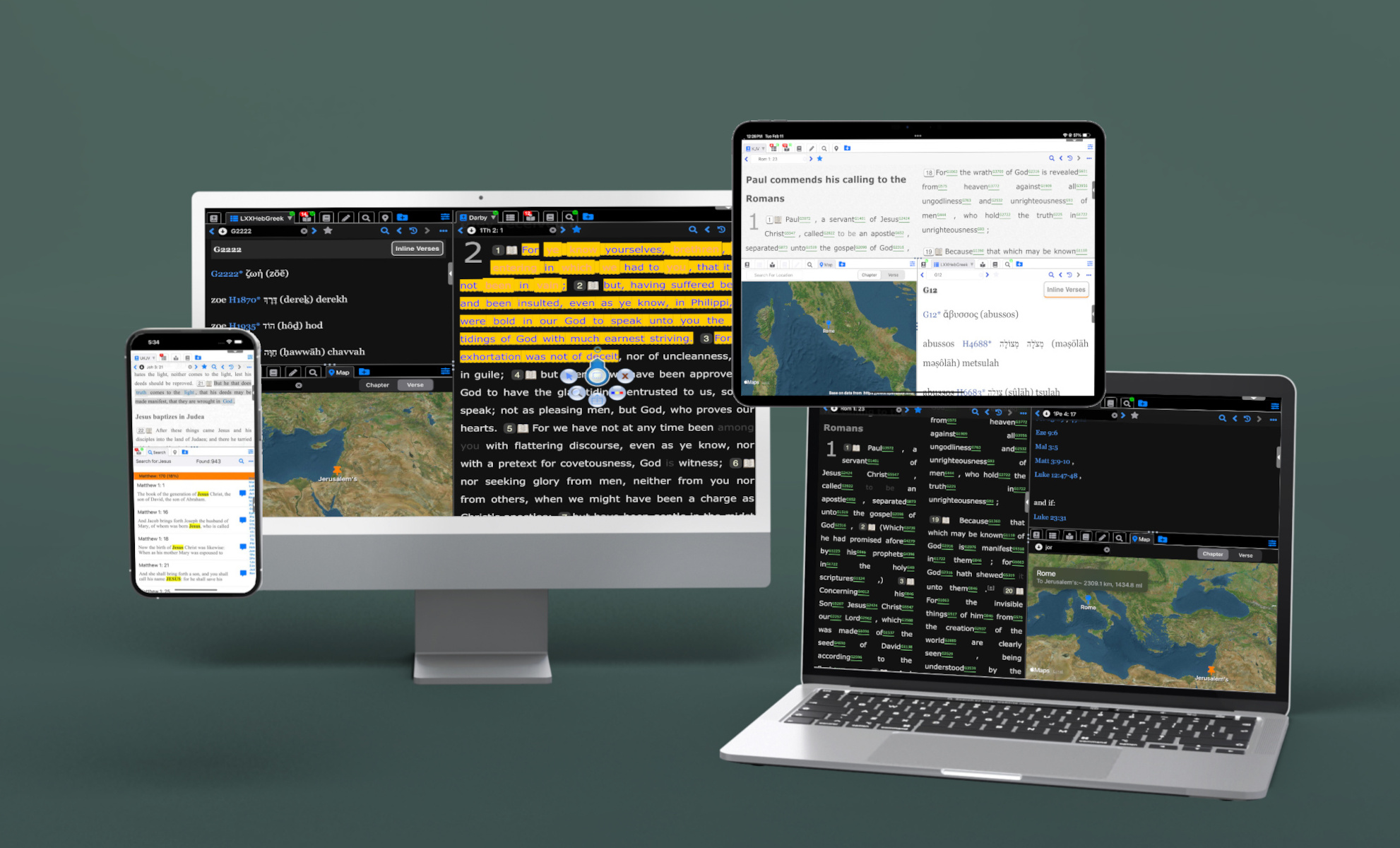
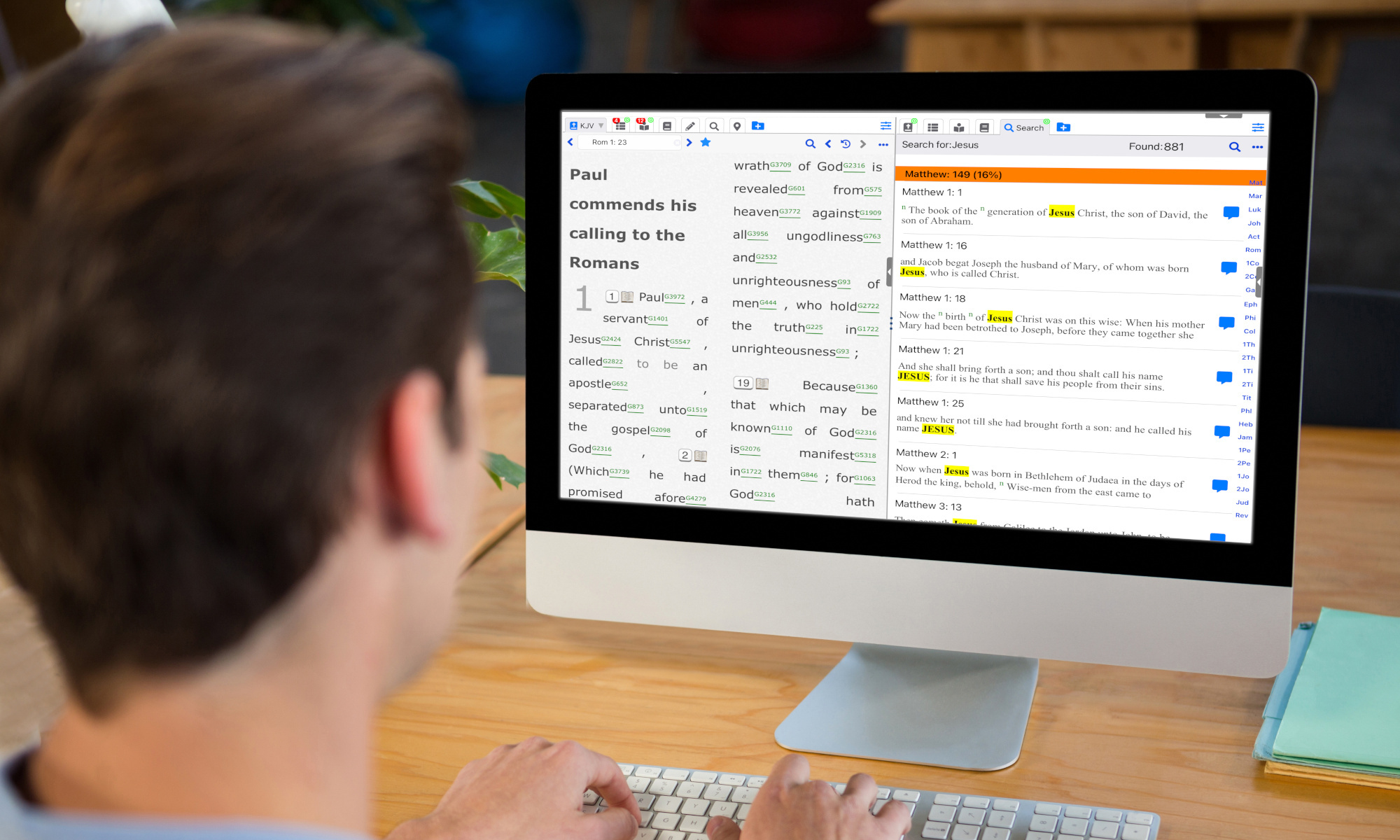
YW Bible Study is a powerful offline Bible study tool that uses free and public
modules from theWord desktop app as its
main source of Bible study resources.
Designed for an enhanced study experience, YW Bible Study features up to three resizable
panels,
allowing you to effortlessly organize your studies. Each panel includes customizable tabs for
the Bible,
Dictionary, Commentary, Books, Notes, Maps, and Search Results.
YW Bible Study comes preloaded with the King James Version and the
Treasury of Scripture Knowledge.
Additionally, you can download a vast collection of resources through the built-in Module
Manager and Download Manager.
Access Bibles in over 100 translations across 35+ languages, including (but not
limited to) English, Arabic, Chinese, Dutch,
Finnish, German, Greek, Hebrew, Italian, and Spanish. Expand your study by downloading
additional
resources such as Commentaries and Dictionaries.
YW Bible Study also supports personal modules from theWord through local file import.
Migrating from the legacy iOS iBS app? Use Module Manager -> Import Modules in YW Bible Study to bring your existing modules into the new app. See Module Manager Help for step-by-step instructions.
Supported localizations: Arabic, German, Greek, English, Spanish, French, Hindi, Indonesian, Korean, Portuguese (Brazil), Russian, Swahili, Tagalog, and Chinese.
Supported on compatible iPad models.
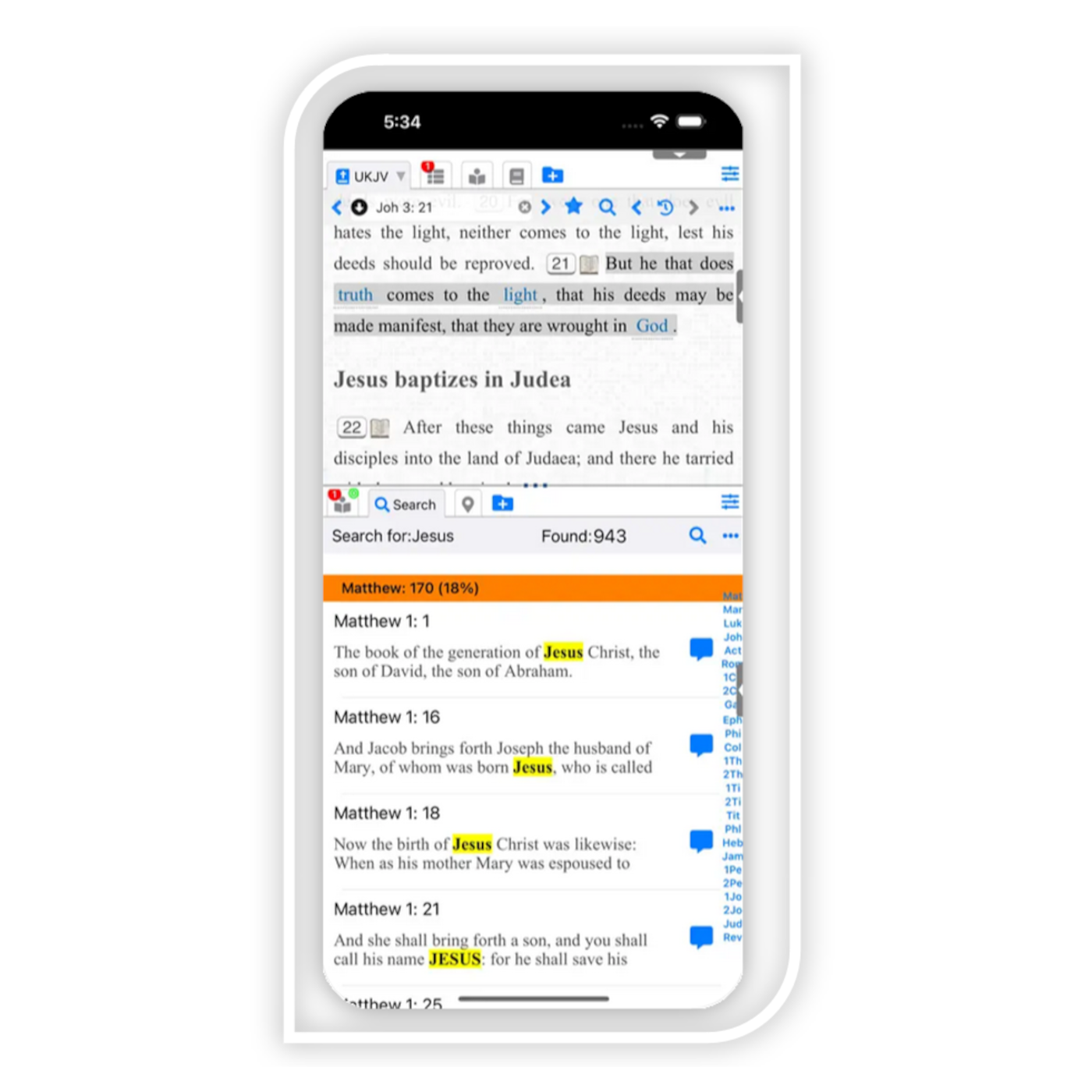
Supported on compatible iPhone models.
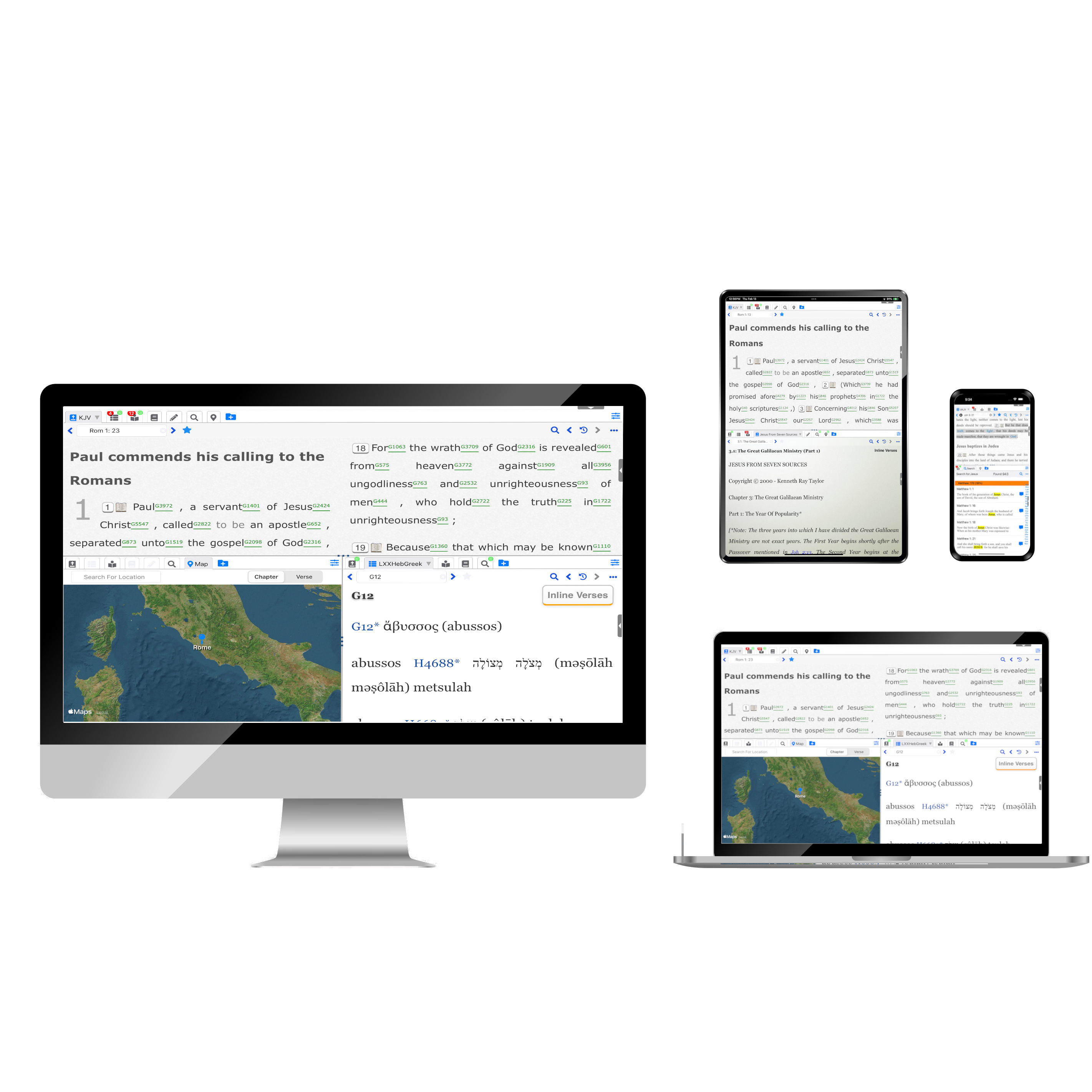
Supported on compatible Mac devices.
Dedicated desktop experience for Windows users.
Dedicated mobile experience for Android devices.
 YW Bible Study Version: 5.1.x
If you've created or downloaded user modules for theWord desktop application, you can easily use them within iBS.
Read MoreOpen YW Bible Study and complete the setup wizard to choose your language, theme, and preferred layout.
Use Module Manager to import modules from legacy iBS and download additional resources from the integrated library.
Customize your workspace and begin with the features you need:
I understand that sometimes you might need a little extra help. Whether you're just
getting started with YW Bible Study and have some initial questions, or you've encountered a technical issue,
or even if you have a free module you'd like to include in the YW Bible Study Library, I am ready to assist
you.
I'm committed to providing prompt and helpful support to ensure you have a smooth and
successful experience with YW Bible Study. I also value community contributions and am always open to
considering new modules for the library. Don't hesitate to contact me – I'm here to help, whether
it's for support or module submissions!
 YW Bible Study
Free Bible study tool for Apple devices, based on theWord modules.
© bible.yottaway.com. All Rights Reserved. Designed by HTML Codex. Developed by YottaWay